
The MCD700 MCL707 DVD Micro System is an audio device with a voltage supply of 110-127V / 220-240V and a power consumption of 32W. It has electric shock protection and it is recommended not to open the machine. The product is imported by Philips Mexicana and manufactured in China.
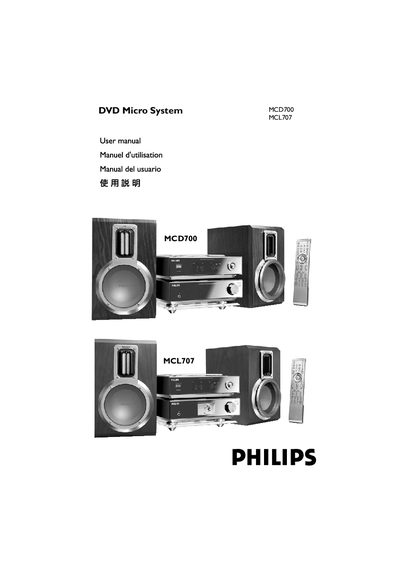
This manual covers the Philips MCD700/MCL707 DVD micro system, describing its features, supplied accessories, and safety precautions. It explains how to install the unit, connect speakers, antennas, control cables, and a TV, and provides guidance on proper ventilation and environmental considerations.
The guide also details basic operation, remote‑control functions, audio and video settings, radio tuning, sleep/wake timers, and includes a full specifications table, troubleshooting tips, and a glossary of terms used throughout the document.
| Power supply voltage | 110–127 V / 220–240 V |
|---|---|
| Power consumption | ≤ 32 W |
| Amplifier rated output power | 22 W × 2 (8 Ω, 1 kHz) |
| Speaker impedance | 8 Ω |
| Dimensions (system) | 208 mm × 61.7 mm × 244 mm |
| Weight (system) | 1.4 kg |
| Frequency response (audio) | 100 Hz‑20 kHz (±1 dB) |
| Total harmonic distortion | ≤ 0.7 % |
Adjust the voltage selector located at the bottom of the system from the factory preset of 220‑240 V to 110‑127 V before turning the unit on.
Connect speakers with an impedance of 8 Ω; using lower‑impedance speakers may damage the system.
Check that the AC power cord is properly connected, press the STANDBY/ON button on the unit or remote, and ensure the power selector is set correctly.
Wipe the disc from the center outward in a straight line with a cleaning cloth; avoid solvents and keep the disc tray closed.