
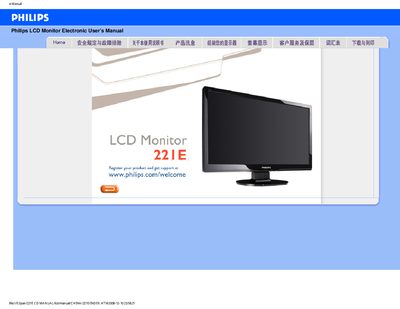
This manual covers safety precautions, proper handling, and maintenance for the Philips 221E LCD monitor. It explains how to avoid damage, clean the screen safely, and what environmental conditions are suitable for operation.
The guide also includes troubleshooting FAQs, recommended video settings, VESA mounting instructions, and instructions for installing the supplied driver software. Download and printing instructions are provided at the end of the document. This manual is written in Chinese.
| Operating Temperature | 0‑40 °C (32‑104 °F) |
|---|---|
| Operating Humidity | 20‑80 % RH |
| Recommended Resolution | 1920 × 1080 @ 60 Hz |
| VESA Mounting Holes | 4 standard VESA holes |
Yes, the monitor has four standard VESA mounting holes that allow installation on most VESA‑compatible brackets.