
The MCD728 DVD Micro Theatre is a DVD micro theatre with various functions and features.
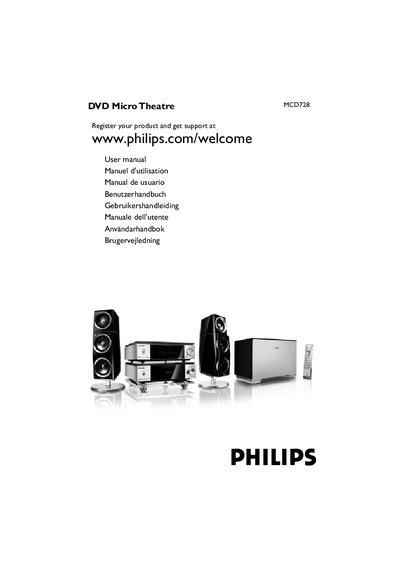
This manual covers safety information, mains plug replacement, and installation steps for the Philips MCD728 DVD Micro Theatre. It includes details on connecting the power cord, speakers, subwoofer, TV, and FM antenna, as well as environmental and disposal guidelines.
The guide also explains how to use the remote control, set language preferences, navigate the system menu, and operate DVD playback features such as disc selection, audio/subtitle settings, and special functions like Dolby Virtual Speaker and Progressive Scan. Troubleshooting tips and a glossary of terms are provided at the end.
Remove the fuse cover, take out the old fuse, and install a BS1362 3 Amp approved fuse, then replace the cover.
Open the System Menu, go to the OSD Language option, and select the desired language.
The device is a Class 1 laser product, meaning it complies with safety regulations for low‑risk laser emissions.