
This document is a scanned copy of the Philips MCD 190 Quick Start Guide, which introduces how to connect, set up and enjoy the DVD player.
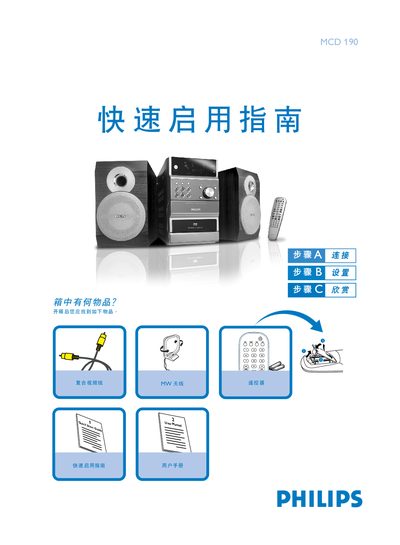
The guide provides step‑by‑step instructions for connecting the DVD player to power, speakers, antenna and TV, and for configuring TV settings and language options. It also covers disc insertion and basic playback controls.
With clear diagrams and brief notes, users can quickly get the MCD190 ready for use, adjust system menus, and start watching DVDs, CDs, or supported media formats. This manual is written in Chinese.
| Supported disc formats | DVD VIDEO, AUDIO CD, VIDEO CD, MP3‑CD, DVD+RW, Super VCD |
|---|
Connect the speaker wires to the SPEAKERS terminals, with the right speaker to the RIGHT terminal and the left speaker to the LEFT terminal.
Use the composite video cable (yellow) to connect the DVD player's VIDEO jack to the TV's video input (A/V In, Video In, Composite or Baseband).