
This document provides instructions on how to quickly set up a product and includes information on connecting and operating the device.
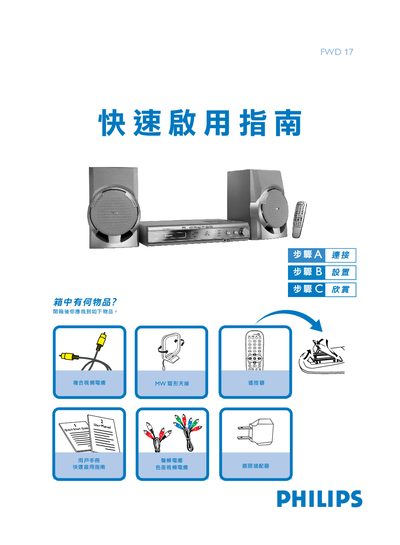
The guide lists the items included in the box and shows how to connect the right and left speakers to the R and L terminals, attach the AM/FM antenna, and hook up composite or component video cables to a TV. It also explains the correct polarity for speaker connections and how to power the unit.
Basic operation steps are covered, including selecting the DISC source with the SOURCE knob, changing language and menu settings, choosing TV system and video output mode, and using the remote to open/close the disc tray, play, pause, and stop playback. This manual is written in Chinese.
Connect the right speaker to the "R" terminal and the left speaker to the "L" terminal, matching the red (+) wire to the positive terminal and the black (‑) wire to the negative terminal.
Turn the SOURCE control knob to choose the DISC source.
Press the MENU button, navigate to "Language", and use the arrow keys and OK to select the desired language.