
This document is a quick start guide for the Philips MCD 190. The guide covers how to connect, set up, and enjoy the MCD 190.
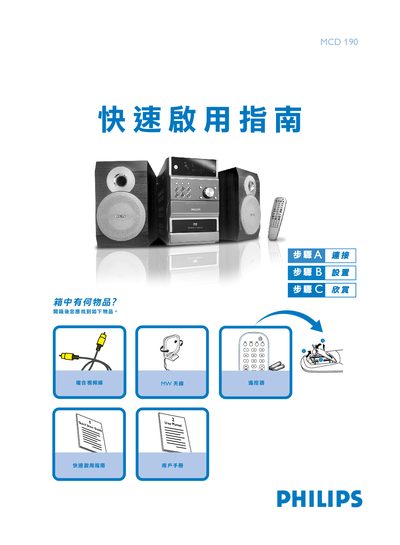
The guide provides step‑by‑step instructions for connecting the DVD player to speakers, antennas and a TV, as well as configuring the system menu and language settings. It also covers how to insert a disc and start playback.
Key sections include speaker wiring, MW antenna connection, composite video hookup, TV setup, system and language menus, disc insertion, and basic playback controls. This manual is written in Chinese.
| Supported disc formats | DVD, VIDEO CD, AUDIO CD, VIDEO CD, MP3‑CD, DVD+RW, Super VCD |
|---|
Connect the speaker wires to the SPEAKERS terminals, with the right speaker to the RIGHT terminal and the left speaker to the LEFT terminal.