
This is a user manual for the CASIO electronic cash register TE-2500. It mainly introduces the features and usage methods of the product.
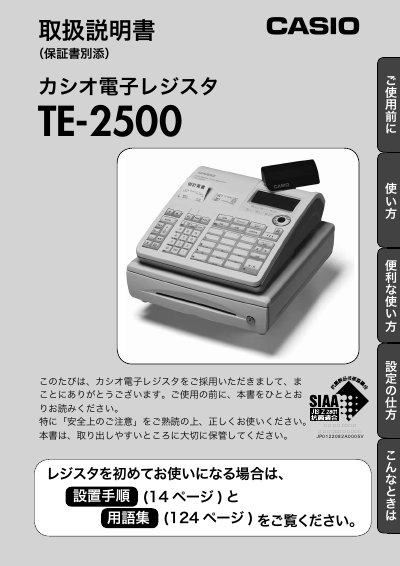
The Casio TE-2500 is an electronic register designed for retail environments. It features capabilities for connecting to information centers via the internet for sales analysis and supports various payment methods, including credit cards and iD, when used with the KT-10 terminal. The device allows for real-time credit card and iD settlement and can print store logos and addresses on receipts using optional stamps.
The manual covers essential topics including safety precautions, basic register operations, handling errors, and closing procedures. It also details advanced features such as using the device as a calculator, setting tax rates (including mixed tax/non-tax operations), configuring item names and messages, and managing paper rolls. This manual is written in Japanese.
| Power Supply | AC 100 V |
|---|---|
| Tax Calculation Methods | Inclusive, Exclusive, Non-taxable |
| Rounding Options | Round up, Round down, Round to nearest |
Use the register only with the indicated power voltage of AC 100 V. Do not use other voltages or connect it to a tap extension.
Always unplug the power cord from the outlet before moving it.