
This document provides instructions on how to install and use the Lenovo IdeaPad Y730 computer, as well as the included software and features. It covers topics such as battery installation, power connection, operating system setup, software installation, and the use of additional accessories.
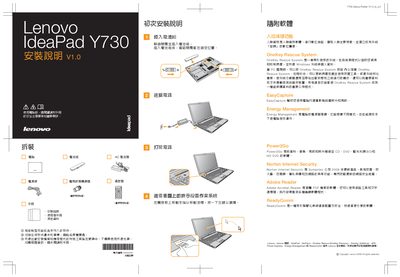
The guide walks you through the initial setup of the IdeaPad Y730, including inserting the battery, locking it in place, and connecting the power adapter. It also covers basic configuration steps such as selecting the operating system and using the function keys.
Additional sections describe the pre‑installed software utilities, such as OneKey Rescue System for system recovery, EasyCapture for camera use, Energy Management for power saving, and wireless LAN antenna configuration, helping users get the most out of their device. This manual is written in Chinese.
Insert the battery and make sure it locks into the proper position as shown in the manual.
OneKey Rescue System provides tools to detect and remove malware, back up personal data, and restore the Windows system to a previous state.