
The Lenovo JiaYue Series user manual provides safety guidelines, hardware overview, basic usage, software tools, maintenance, OS recovery and FAQ for the…
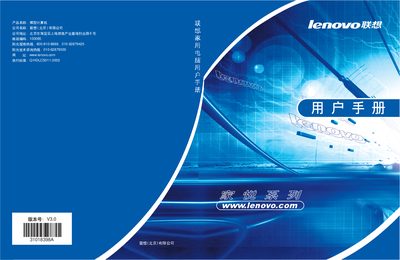
This manual explains how to safely set up and operate the Lenovo JiaYue home computer. It covers safety precautions, a detailed component overview, basic functions such as powering on/off, Windows XP usage, and the built‑in Happiness Toolbox utilities.
Additional sections describe computer learning tools, antivirus software, internet connection, external peripherals, self‑maintenance procedures, operating‑system recovery, and a comprehensive FAQ. Contact information for technical support and service hotlines is also included. This manual is written in Chinese.
| Power Supply | 220 V, 50 Hz |
|---|
Disconnect the power and all external cables and avoid using the computer.
Use the same or a similar model recommended by the original manufacturer.
Call the Sunlight service hotline at 800‑810‑8888 or the technical consultation line at 010‑82879500.