
This manual describes how to use and operate the Ricoh GXR digital camera. It also describes how to install the software that is included with the camera.
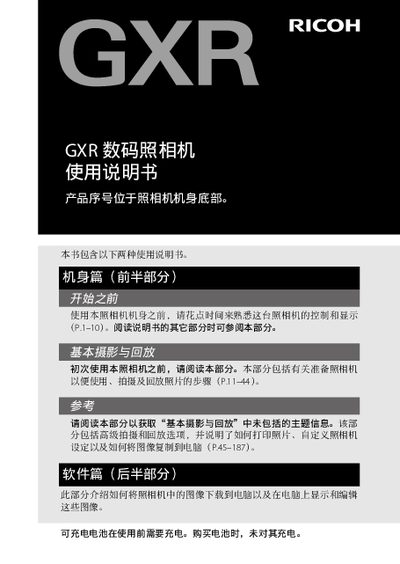
This manual covers the camera body, basic photography and playback, advanced shooting options, and software usage for downloading and editing images. It also includes safety warnings, battery handling instructions, and warranty information.
Technical specifications such as flash modes, LCD size, shooting modes, storage options, and interface connections are listed, followed by a troubleshooting section and contact details for service centers. This manual is written in Chinese.
| Flash mode | Auto, Red‑eye reduction, Forced flash, Sync flash, Manual flash, No flash |
|---|---|
| Flash compensation | ±2.0 EV (in 1/2 or 1/3 EV steps) |
| LCD screen size | 3.0 inches |
| Shooting modes | Auto, Program Shift, Aperture Priority, Shutter Priority, Manual, Scene, Custom |
| Storage | SD/SDHC card; internal memory ~86 MB |
| Battery type | DB‑90 rechargeable battery (3.6 V) |
Connect the camera to the computer with the Mini‑B USB cable, ensure the battery is charged, and use the supplied software to transfer the files.
Do not expose the battery to fire, heat, water, or puncture it; avoid short‑circuiting, and keep it out of reach of children.
Disable the "same image will not be saved" option in the DL‑10 optional settings before downloading.