
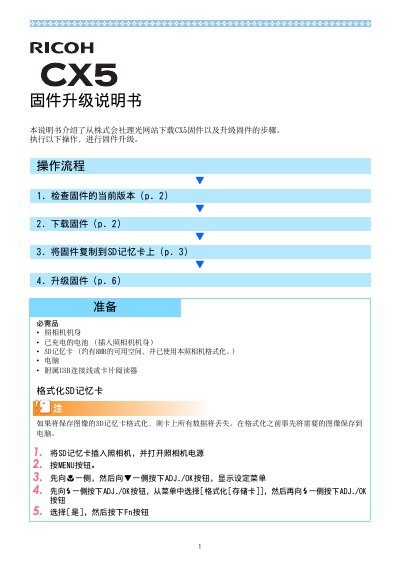
The document provides step-by-step instructions for upgrading the firmware of the Ricoh CX5 digital camera. It covers checking the current firmware version, downloading the firmware file (cx5_v119.frm) from the Ricoh website, copying the file to a formatted SD memory card either via USB connection or a card reader, and performing the upgrade through the camera's menu system.
After the upgrade, the camera restarts and the new firmware version is displayed. The manual also includes preparation requirements such as a charged battery, SD card with at least 8 MB free space, and a computer with USB cable or card reader. This manual is written in Chinese.
Turn on the camera, press MENU, navigate to the setup menu, select 'Confirm Firmware Version', and the version will be displayed on the screen.
The SD card must have approximately 8 MB of free space and be formatted using the camera.
Check whether the firmware file was correctly saved to the SD memory card.
The firmware can be downloaded from the Ricoh website at http://www.ricoh.com/r_dc/support/.