
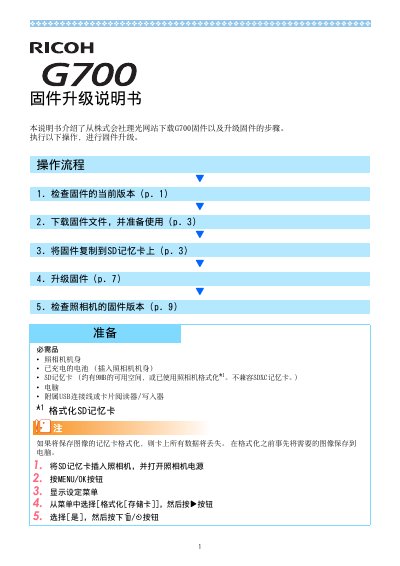
This manual provides step-by-step instructions for upgrading the firmware of the Ricoh G700 digital camera. It covers checking the current firmware version, downloading the firmware from the Ricoh website, copying the firmware file to an SD memory card via USB connection or a card reader, performing the upgrade, and verifying the new version.
The upgrade requires a charged battery, an SD card with at least 9 MB free space (SDXC cards not supported), a computer, and the supplied USB cable or a card reader. The firmware file (plaunch3) must be placed in the root directory of the SD card. The upgrade process takes about 30 seconds, after which the camera restarts in playback mode. The manual also explains how to format the SD card using the camera. This manual is written in Chinese.
With the camera off, hold the button and playback button for 2-3 seconds to display the firmware version on the screen.
Check the camera model and retry with the correct firmware file.
Copy the plaunch3 file to the root directory of the SD card, not into the CLIPINFO or DCIM folders.
The firmware upgrade takes approximately 30 seconds.