
This is a supplementary version of the operating instructions, which introduces how to use the printer's test print and confidential print functions
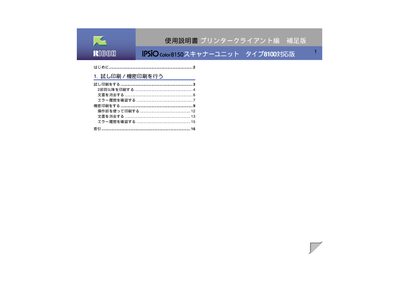
This supplement manual for the Ricoh IPSIO Color8150 printer client explains how to use the printer driver and operation panel for test printing, confidential printing, and managing documents stored on the expansion HDD.
It includes steps for printing additional copies, deleting documents, and checking the latest 20 error history entries on the operation panel. This manual is written in Japanese.
Yes, test printing requires the optional expansion HDD.
Only the latest 20 items are displayed, and the history is deleted when the machine power is turned off.
Select the document on the operation panel and delete it; the document is erased and removed from the expansion HDD.