
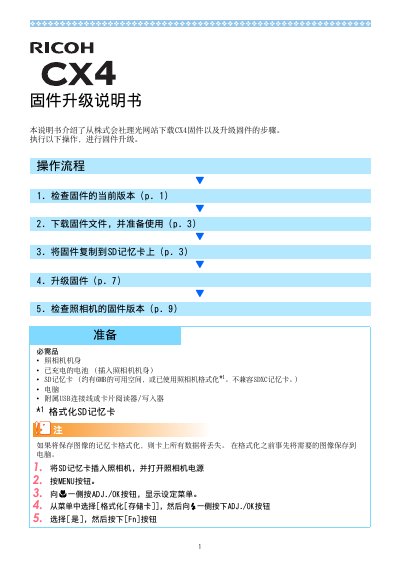
The document provides step-by-step instructions for upgrading the firmware of the Ricoh CX4 camera. It lists required items: the camera body, a charged battery, an SD memory card with about 6 MB free space (SDXC cards not supported), a computer, and the supplied USB cable or a card reader.
The upgrade process involves checking the current firmware version, downloading the firmware from the Ricoh website, copying the extracted files (olaunch3 and olaunch8) to the root of the SD card, initiating the upgrade via a button combination, and verifying the new version afterward. Error messages such as '修改文件不正确' or '无修改文件' indicate incorrect firmware or copying errors. This manual is written in Chinese.
With the camera off, hold the ADJ./OK button and the playback button for 2-3 seconds; the version appears on the screen for 20 seconds.
Check the camera model and repeat the upgrade with the correct firmware file.
The firmware files were not copied correctly to the SD card; ensure the files are placed in the root directory.
No, the manual states that SDXC cards are not compatible.