
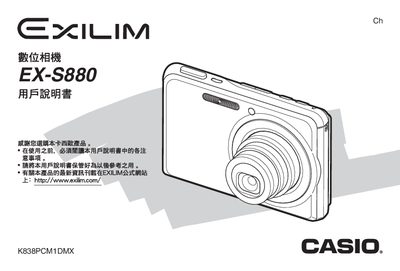
This manual guides users through unpacking the EX‑S880, installing the battery, and configuring basic settings such as language, date, and time. It covers how to capture still photos, record movies, use flash, self‑timer, and various shooting modes.
Later sections describe advanced functions like focus control, white‑balance adjustment, image editing, and transferring files to Windows or Macintosh computers via USB. The appendix includes specifications, USB dock details, and a troubleshooting guide. This manual is written in Chinese.
| Power consumption | 3.7 V DC; approx 4.3 W |
|---|---|
| Battery type | Lithium‑ion rechargeable (NP‑20) |
Connect the camera to a Windows PC via the USB port and follow the “与Windows电脑搭配使用相机” instructions.
Select the “格式化记避卡” option in the menu to format the memory card.
Use the “配置显示语言、日期和时间设定” menu to adjust language, date, and time.