
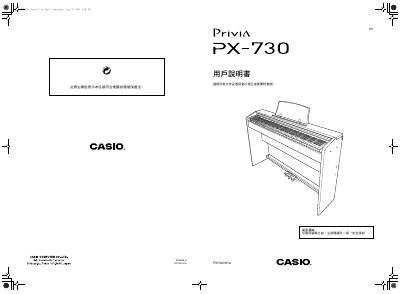
Casio PX-730 Digital Piano User Manual


Casio PX-730 Digital Piano User Manual - cover page
Brand
Casio
Category
Other
Document type
User Manual
Language
Chinese
Pages
46
File format
PDF
File size
3.2 MB
Published
30 September, 2011
Updated
29 September, 2023
Model
PX-730
MD5 checksum
0CAE0F8E2F10472511FC8334E4101819

About this manual

This manual is for the Casio PX-730 digital piano. It explains the piano's parts and controls, power connection, headphones and audio connections, tone selection, brightness, layering, effects, pedals, metronome, duet mode, built-in songs, practice, recording, and playback.

It also covers keyboard settings and parameters, computer and MIDI connections, troubleshooting, product specifications, operating precautions, appendices, and stand assembly. This manual is written in Chinese.

What's inside

  • Parts and controls
  • Power supply and AC adapter
  • Connections and headphones
  • Tone selection and playing
  • Brightness, layering and effects
  • Pedals, metronome and duet
  • Built-in songs and practice
  • Recording and playback
  • Keyboard settings and parameters
  • Computer and MIDI connection

Specifications

Built-in tones16
Power supplyDC 12V
AC adapterAD-A12150LW

Frequently asked questions

How many built-in tones does the Casio PX-730 have?

The Casio PX-730 has 16 built-in tones.

Which AC adapter should be used with the Casio PX-730?

Use only the supplied AD-A12150LW AC adapter.

What happens when headphones are connected to the PHONES jack?

Inserting headphones into a PHONES jack cuts the speaker output.

How do I select a grand piano or electric piano tone?

Press one of the GRAND PIANO buttons (MODERN or CLASSIC) or the ELEC PIANO button; the selected button lamp lights.

Download PDF (3.2 MB)

More Casio Manuals


View all Casio manuals →