
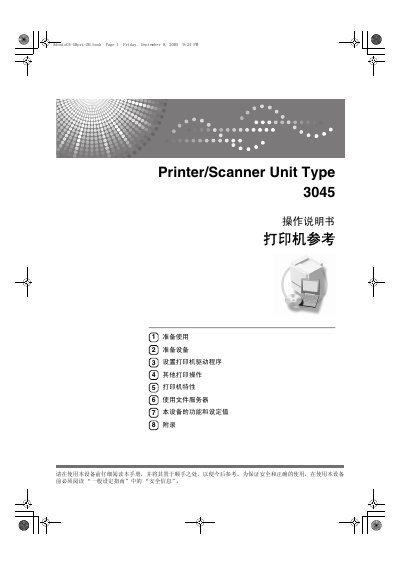
Ricoh Printer/Scanner Unit Type 3045 Operating Manual


Ricoh Printer/Scanner Unit Type 3045 Operating Manual - cover page
Brand
Ricoh
Category
Printer
Document type
User Manual
Language
Chinese
Pages
176
File format
PDF
Published
29 September, 2011
Updated
29 September, 2023
MD5 checksum
472E195B615517EFDEE24B7ABF1664D0

About this manual

This manual covers the Ricoh Printer/Scanner Unit Type 3045. It describes the control panel, printing operations, and how to connect the unit to a host computer using USB, IEEE 1394, or Ethernet.

It also includes instructions for installing printer drivers, using the file server, checking printer characteristics, and troubleshooting common issues. This manual is written in Chinese.

What's inside

  • Control panel
  • Connecting the unit
  • Installing the printer driver
  • Other printing operations
  • Printer characteristics
  • Using the file server
  • Functions and specifications
  • Appendix

Frequently asked questions

When was the manual copyrighted?

The manual carries a 2005 copyright.

Where was the manual printed?

It was printed in Japan.

Which Windows versions are listed in the manual?

The manual lists Windows 95, Windows 98, Windows Me, Windows 2000, Windows XP, Windows Server 2003, and Windows NT 4.0.

Download PDF

More Ricoh Manuals


View all Ricoh manuals →