
This quick start guide describes how to connect the MCD 700 and MCL 707 to your TV and speakers, and how to set the TV system and desired languages.
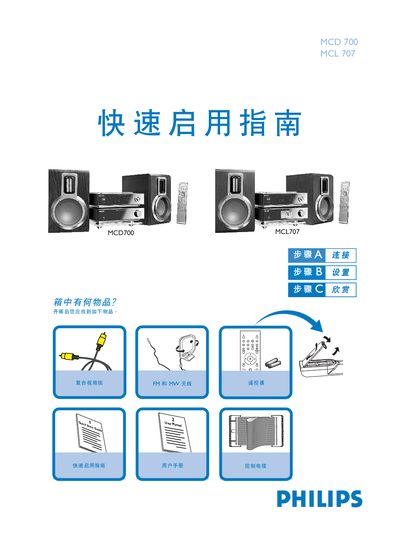
The guide lists the items included in the box and shows how to connect speakers, antennas, control cable, video cable and power cord. It explains speaker wiring (right to R, left to L, red to +, silver to –) and antenna connections for FM and MW.
It then walks through turning on the player, setting the TV input, selecting the disc source, loading a disc, and using the remote to play DVDs, CDs, MP3‑CDs and other supported media types. This manual is written in Chinese.
| Speaker impedance | 8 Ω |
|---|---|
| Supported disc types | DVD, VIDEO, AUDIO CD, VIDEO CD, MP3‑CD, WMA |
| Control cable interface | Serial interface marked CONTROL CABLE |
Use two speaker wires: connect the right speaker to the "R" terminal and the left speaker to the "L" terminal, with the red wire to "+" and the silver wire to "-".
No, the FM antenna is already installed on the unit, so no additional connection is required.
Turn on the DVD player, select the DISC source, then set the TV to the correct video input until the Philips DVD background appears on the screen.
It can play DVD, VIDEO, AUDIO CD, VIDEO CD, MP3‑CD and WMA recorded discs.