
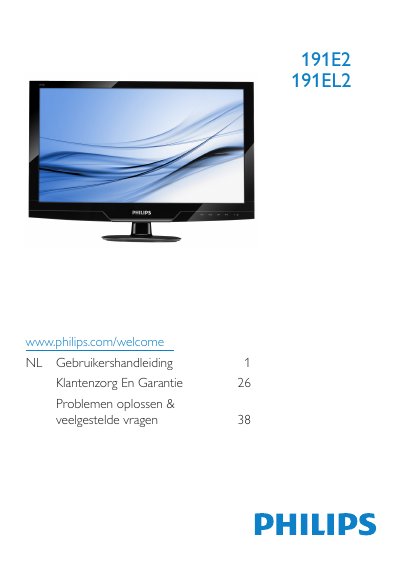
This Philips user manual covers the 191E2 and 191EL2 LCD monitors. It explains safety precautions, unpacking and recycling, stand installation, cable connections, and how to operate the monitor using the control buttons and on-screen display (OSD) menu.
The document also provides product information on SmartImage Lite and SmartContrast, technical specifications such as the 1366x768@60Hz native resolution, automatic energy saving, the Philips pixel defect policy, warranty details, and troubleshooting with FAQs. This manual is written in Dutch.
| Operating temperature | 0-40 °C / 32-95 °F |
|---|---|
| Relative humidity | 20-80% |
| AC/DC adapter models | ADPC1236/FSP036-DGAA1/LCAPO7F-2 |
| DVI-D input | Available for selective models |
Use only AC/DC adapter models ADPC1236/FSP036-DGAA1/LCAPO7F-2.
No, the DVI-D input is available for selective models only.