
This is an instruction manual for Philips monitor, which mainly introduces the basic use methods and precautions of the monitor.
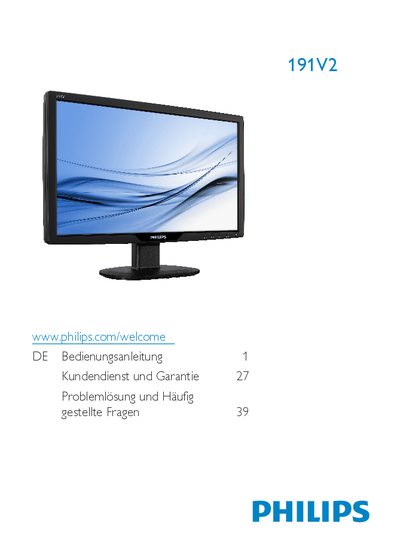
This manual explains the safe handling, environmental limits, and maintenance of the Philips 191V2 LCD monitor. It covers warnings, cleaning, storage, and warranty conditions to help users avoid damage and ensure long service life.
The guide walks users through unpacking, connecting the monitor to a PC, adjusting picture settings via the On‑Screen Display (OSD), and answers common questions about compatibility, plug‑and‑play operation, and image‑burn‑in issues. This manual is written in German.
| Native resolution | 1366 × 768 pixels @ 60 Hz |
|---|---|
| Operating temperature | 0 °C – 40 °C (32 °F – 95 °F) |
| Relative humidity | 20 % – 80 % RH |
| Power input | AC mains (Wechselstromeingang) |
Ja, sämtliche Philips‑LCD‑Monitore sind mit Standard‑PCs, Macs und Workstations vollständig kompatibel.
Ja, die Monitore sind unter Windows 7, Vista, XP NT, Mac OSX und Linux Plug‑and‑Play‑kompatibel.