
Instruction Manual of Sanyo USB Mixer Speaker DC-DA336SU, including product features, operation methods and maintenance and repair.
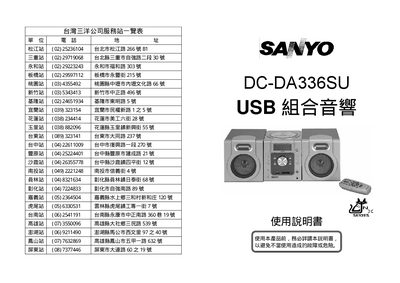
This user manual covers the features, operation, and maintenance of the Sanyo DA336SU USB audio device, including CD/MP3 playback, radio tuning, and USB/SD/MMC media support. It explains how to use the remote control, set timers, adjust equalizer settings, and program tracks.
The document also contains safety guidelines, power‑cord protection advice, and troubleshooting tips to help users keep the unit operating reliably and avoid damage or electric shock. This manual is written in Chinese.
| Power Supply | AC 110V/220V 60/50Hz |
|---|---|
| Remote Control Power Source | DC 3V (2 × AAA) |
| Output Power | 200 W (P.M.P.O.) |
| Speaker Power | 8 W / 4 Ω |
| Radio Frequency Range | MW 522 kHz – 1620 kHz, FM 87.5 MHz – 108 MHz |
| Compact Disc Frequency Response | 125 Hz – 20 kHz |
| Signal‑to‑Noise Ratio | ≥ 50 dB |
| Supported MPEG Formats | MPEG‑1/2/2.5 Layer 2/3 (8 kbps – 384 kbps) |
| MP3 Sample Rates | 32 kHz, 44.1 kHz, 48 kHz |
| Dimensions (W × D × H) | 140 mm × 218 mm × 159 mm |
| Weight | 4.9 kg |
Press the SLEEP button; the display shows "SLEEP" and each press cycles the timer from 90 min down to 10 min. Press SLEEP again to cancel.
Press PROG/MEM to start programming, use SKIP/FF or SKIP/REW to select a track, then press PROG/MEM again to store it. Repeat for additional tracks.
Only compact discs with a Q‑mark are supported; do not write on the label or use record cleaners.