
This document is a user manual for the wide screen LCD TV produced by Shandong Panasonic Electronic Information Co., Ltd. The document describes the features and characteristics of the product, including advanced functions, basic functions, and connecting external devices. It also provides safety precautions and maintenance tips.
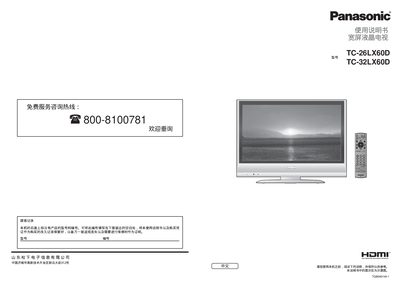
This user manual covers the Panasonic TC-26LX60D and TC-32LX60D widescreen LCD televisions. It includes safety precautions, care instructions, identification of controls, connections, initial setup, automatic tuning, and channel editing and setup.
Advanced features covered include the menu system for picture and sound quality, watching TV and video/DVD sources, HDMI control and connection of external equipment, and answers to frequently asked questions. The document also lists accessories and optional items, technical information, and specifications. This manual is written in Chinese.
| Power supply | AC 220 V, 50 Hz |
|---|---|
| Antenna connection | 75 ohm coaxial |
| Remote control battery | 2 x R6 (AA) |
| Remote control model | N2QAJB000155 or HT000155 |
| Wall mount bracket | TY-WK32LR2W |
| Remote control operating range | Within 7 meters in front of the television |
Open the menu, select the setup menu, then the tuning menu, choose the channel selection method and system, and select automatic tuning. The television searches for, stores, and sequences the channels available in your area.
The preset method stores tuned channels in order starting from program 1, while the direct method stores them under the same program numbers as the tuned channels.
An antenna, a proper 75 ohm coaxial cable, and correct terminating plugs are needed for the best image and sound quality.
Disconnect the television from the power supply before connecting or removing any cables.