
This document is KV-S7065CCN scanner user manual, which introduces the use of the scanner, system requirements, connection methods, etc.
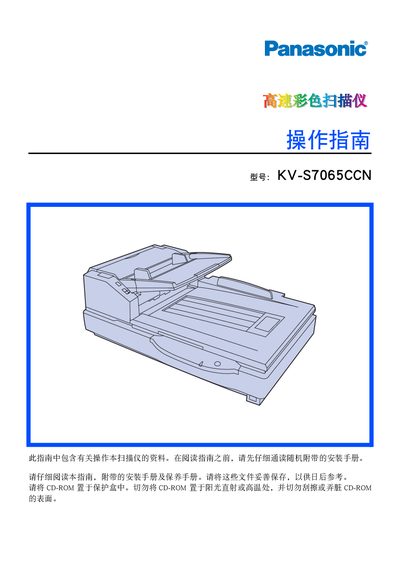
This manual provides detailed information for operating the Panasonic KV‑S7065CCN high‑speed color scanner, including system requirements, safety precautions, and proper handling of the device. It lists the required computer specifications, power requirements, and environmental conditions needed for optimal performance.
The guide also describes how to load documents, use the ADF and flatbed, adjust image settings, clean and replace rollers and glass, and troubleshoot common problems. Technical specifications such as scan speed, resolution, paper capacity, and dimensions are included for reference. This manual is written in Chinese.
| ADF single‑sided scan speed | ≈ 60 pages/min at 200 dpi |
|---|---|
| ADF double‑sided scan speed | ≈ 50 pages/min at 200 dpi |
| Optical resolution | 600 dpi |
| Paper capacity (input tray) | 200 sheets |
| Maximum power consumption (scanning) | 1.5 A at 100‑120 V |
| External dimensions | 755 × 508 × 289 mm |
| Weight | 29 kg |
The scanner can process about 60 pages per minute at 200 dpi in single‑sided ADF mode.