
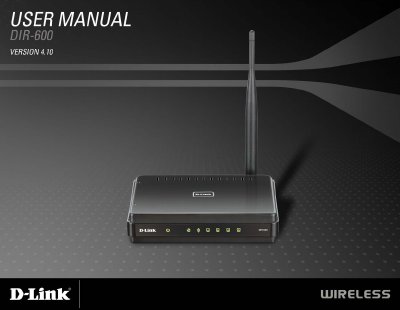
The D-Link DIR-600 User Manual describes the DIR-600 wireless router, its package contents, system requirements, features, hardware connections and LEDs, and installation options for cable, DSL, or satellite modems and another router.
It then covers the web-based configuration utility, wireless settings and security, firewall and network settings, administrator and system settings, troubleshooting, wireless basics, networking basics, and technical specifications.
| Standards | IEEE 802.11n, IEEE 802.11g, IEEE 802.11b, IEEE 802.3, IEEE 802.3u, IEEE 802.3x |
|---|---|
| Security | 64/128-bit WEP, WPA-Personal, WPA2-Personal |
| Wireless Signal Rates | 150Mbps, 48Mbps, 54Mbps, 24Mbps, 36Mbps, 12Mbps, 18Mbps, 9Mbps, 11Mbps, 5.5Mbps, 6Mbps, 1Mbps, 2Mbps |
| Frequency Range | 2.4GHz to 2.483GHz |
| Transmitter Output Power | 17dBm ± 2dB |
| Operating Temperature | 32°F to 104°F (0°C to 40°C) |
| Operating Humidity | 10%-90% non-condensing |
| Dimensions | L = 4.4 inches, W = 5.8 inches, H = 1.2 inches |
| Warranty | 1 Year Limited |
The package includes the D-Link DIR-600 wireless router, a power adapter, and an Ethernet cable.
It supports IEEE 802.11n, 802.11g, and 802.11b, along with IEEE 802.3, 802.3u, and 802.3x.
The listed security types are 64/128-bit WEP, WPA-Personal, and WPA2-Personal.
The example uses 192.168.0.1 as the router's LAN IP address.