
The D-Link DWA-547 RangeBooster N™ 650 is a desktop adapter that provides wireless connectivity and high-speed internet experience. It utilizes RangeBooster N™650 technology, offering faster wireless connections and higher reception rates. It supports WEP, WPA, and WPA2 encryption to protect personal information from unauthorized access.
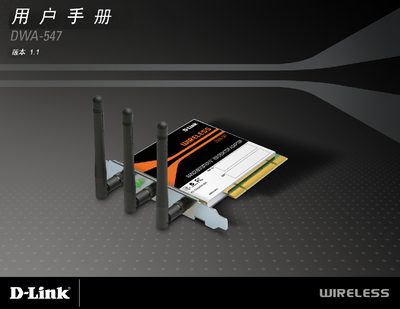
This manual explains how to install and configure the D-Link DWA-547 RangeBooster NW650 wireless adapter on Windows computers. It covers hardware installation, driver installation, and basic operation, including security settings and network configuration.
The guide also includes technical specifications, LED indicator meanings, and troubleshooting steps such as setting a static IP address or disabling conflicting adapters. This manual is written in Japanese.
| Wireless Standards | IEEE 802.11b/g/n |
|---|---|
| Security Protocols | WPA, WPA2, WEP (64/128‑bit) |
| Frequency | 2.4 GHz (2.462 GHz) |
| Antenna Connector | SMA (external antenna) |
| Operating Temperature | 0 °C to 40 °C |
| Dimensions (L×W×H) | 5275 mm × 4764 mm × 748 mm |
| Weight | 0.236 kg |
The adapter works with Windows 2000 (Service Pack 4), Windows XP (Service Pack 2), and Windows Vista.
Open Control Panel → Network Connections, right‑click the DWA‑547 connection, select Properties, then configure the TCP/IP settings with the desired static IP address.
Disable any built‑in wireless adapters and uninstall any existing wireless software to avoid conflicts.