
This document introduces the features and characteristics of the portable DVD player, including repeat playback, play modes, volume control, monitor and sound adjustment. Users are also reminded to pay attention to auditory safety and device usage regulations.
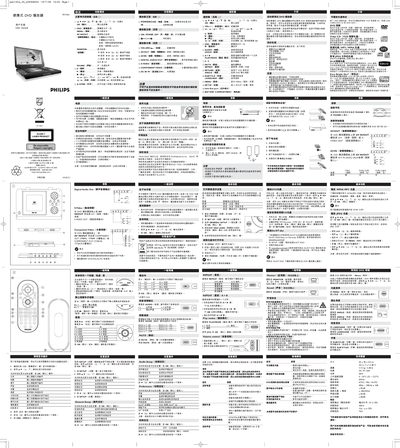
This manual explains how to set up and operate the Philips PET1002 portable DVD player. It covers unpacking, power connections, basic functions such as playing DVDs, VCDs, audio CDs, JPEG slideshows, and DivX videos, as well as menu navigation, language selection, and parental lock.
Safety, maintenance, troubleshooting, and technical data are also included, helping users keep the device in good condition and resolve common issues. This manual is written in Chinese.
| Dimensions | 26 x 18 x 3.0 cm (10.2 x 7 x 1.2 in) |
|---|---|
| Weight | 1.13 kg (2.48 lb) |
| Power Input | DC 9 V 1.8 A |
| Operating Temperature Range | 0 °C – 50 °C (32 °F – 122 °F) |
| Laser Wavelength | 650 nm |
| Video System | NTSC / PAL / AUTO |
| Frequency Response | 20 Hz – 20 kHz ± 1 dB |
| Signal‑to‑Noise Ratio | ≥ 85 dB |
| Audio Distortion (Noise) | ≤ ‑80 dB (1 kHz) |
| Channel Separation | ≥ 85 dB |
| Dynamic Range | ≥ 80 dB |
| Analog Audio Output Level | 2 V ± 10 % (10 kΩ load) |
| Video Output Level | 1 Vp‑p ± 20 % (75 Ω load) |
Make sure the disc label is facing up, clean the disc with a suitable cleaning CD/DVD, and try another disc to see if the problem persists.
Use the + / – buttons on the remote control or rotate the side volume knob on the player.
Enter the SET UP menu, select the appropriate parental‑control option, and set the desired lock level.