
My Passport ™ Essential ™ Portable Hard Drive is a small, smart backup and storage solution that automatically and continuously backs up your data and uses a visual backup dashboard to help you easily restore lost files. The drive is available in 250GB and 500GB capacities and supports Windows PC and Mac OS X systems.
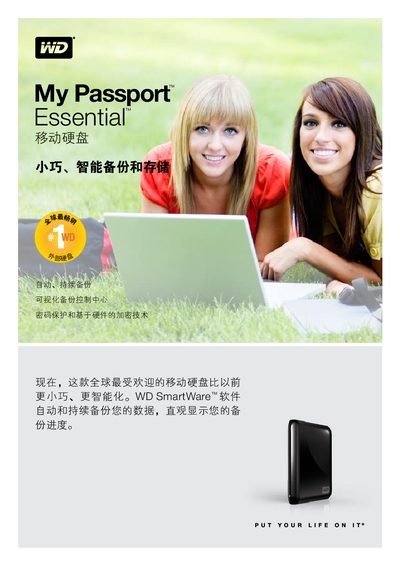
The My Passport Essential is a compact, portable external hard drive that offers hardware‑based 256‑bit encryption and integrates WD SmartWare backup software. This manual guides users through quick installation, basic operation, and data protection features.
Key points include USB 2.0 connectivity with up to 480 MB/s transfer speed, compatibility with Windows (XP, Vista, 7) and Mac OS X, operating temperature range of 5 °C‑35 °C, and environmentally‑friendly packaging made from recycled materials. This manual is written in Chinese.
| Interface | USB 2.0 |
|---|---|
| Data transfer rate | Up to 480 MB/s |
| Operating temperature | 5 °C to 35 °C |
| Non‑operating temperature | -20 °C to 65 °C |
| Encryption | 256‑bit hardware encryption |
| Capacity options | 250 GB, 320 GB, 500 GB, 640 GB |
Yes, the drive uses 256‑bit hardware encryption to protect your data.