
WD TV Live HD media player is a product that allows you to connect your TV to the internet and play various high-definition media content. It supports Full-HD 1080p resolution, multiple file formats, and can play network and internet content, including HD videos, photos, and music.
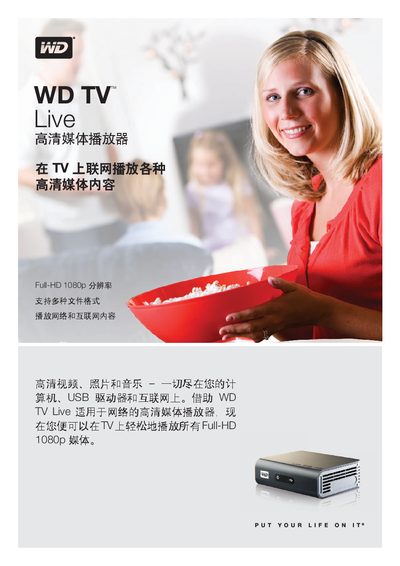
The WD TV Live is a high‑definition media player that lets you stream video, music, and photos from USB drives, cameras, network sources and online services directly to your TV. It supports Full‑HD 1080p playback and a wide range of audio and image formats.
The device includes an HDMI output, composite and component video outputs, an Ethernet port for wired (or optional wireless) network connections, and a compact remote for easy navigation. The manual covers product features, supported media formats, specifications, package contents, and a quick installation guide. This manual is written in Chinese.
| USB 2.0 input | Height 1.57 inches (40 mm) |
|---|---|
| HDMI output | Depth 3.94 inches (100 mm) |
| Composite video output | Width 4.94 inches (125 mm) |
| Ethernet port weight | 0.73 lb (0.33 kg) |
| Operating temperature | 5 °C to 35 °C |
| Storage temperature | -40 °C to 65 °C |
It supports Full‑HD 1080p video playback, including resolutions such as 1920x1080p24, 1920x1080i30, 1280x720p60, and others listed in the specifications.
By using the Ethernet port for a wired connection, or optionally a wireless connection if supported in your region.