
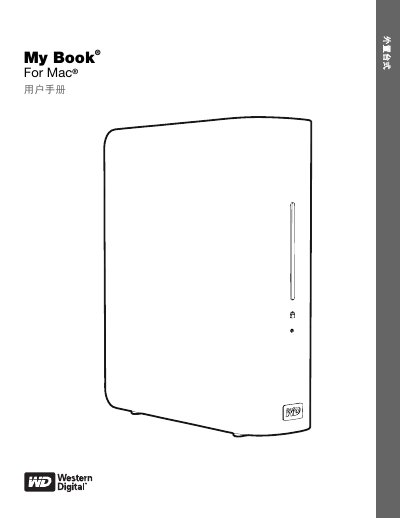
This is the user manual for the WD My Book for Mac external hard drive by Western Digital. It describes the product features, package contents, operating system compatibility, and physical layout of the drive.
The manual explains how to connect the drive, use WD SmartWare software for automatic backup and restore, lock and unlock the drive with password protection, manage drive settings, and troubleshoot common issues. This manual is written in Chinese.
| Interface | USB 2.0 |
|---|---|
| Encryption | 256-bit hardware encryption |
| File system | HFS+J partition |
| Power consumption reduction | up to 30% |
| Operating system compatibility | Mac OS X, Windows XP, Windows Vista, Windows 7 |
It uses 256-bit hardware encryption to prevent unauthorized data access.
The manual includes a section for unlocking the drive when WD SmartWare is not installed.