
This manual introduces the features and usage of the external desktop My Book® Studio™ and Studio LX.
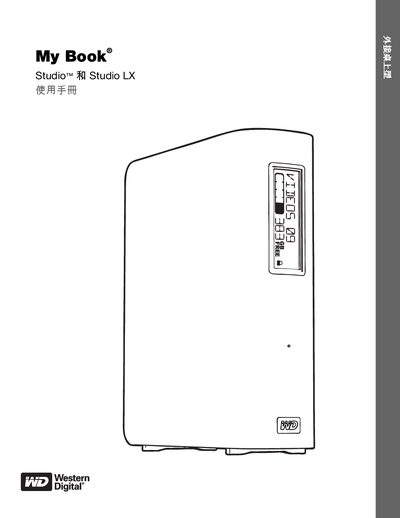
This manual explains how to set up and use the My Book Studio and Studio LX external hard drives, including hardware connections, power management, and the WD SmartWare backup software. It also provides instructions for locking/unlocking the drive, registering the product, and troubleshooting common issues.
The guide lists compatible operating systems, describes the physical features of the drives, and outlines regulatory and safety information for users in various regions. This manual is written in Chinese.
| Power Consumption Reduction | Up to 30% lower power use with WD GreenPower Technology |
|---|
Insert the included CD or run the installer from the USB drive; the manual provides step‑by‑step installation instructions for Windows and Mac.