
My Book Essential Edition is a compact, exquisite and easy-to-use USB external hard drive, ideal for storing valuable data, music, photos and movies.
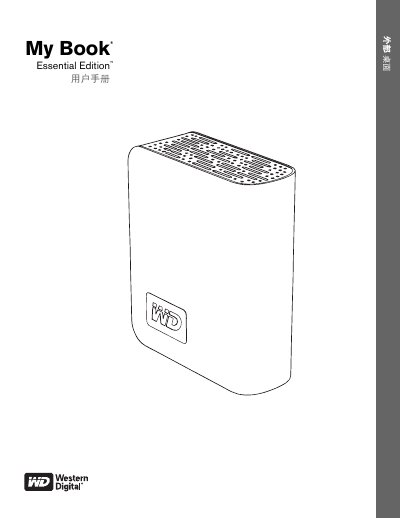
The Western Digital My Book Essential Edition is a USB external hard drive used to store data, music, photos, and video. It connects to a computer through a USB port and is compatible with Windows and Macintosh systems.
This user manual describes the package contents, system requirements, formatting, LED indicators, included software, and steps for connecting and disconnecting the drive. It also includes troubleshooting information with Answer IDs available at supportwdc.com. This manual is written in Chinese.
| Windows support | Windows 2000/XP/Vista |
|---|---|
| Mac support | Mac OS X 10.4.8+ |
| Security lock | Kensington |
It works with Windows 2000/XP/Vista and Macintosh Mac OS X 10.4.8 or later.
Register at registerwdc.com within the 30-day period.
The drive includes a Kensington security slot.