
This is an instruction manual that introduces how to use the GR DIGITAL III camera to take and play photos.
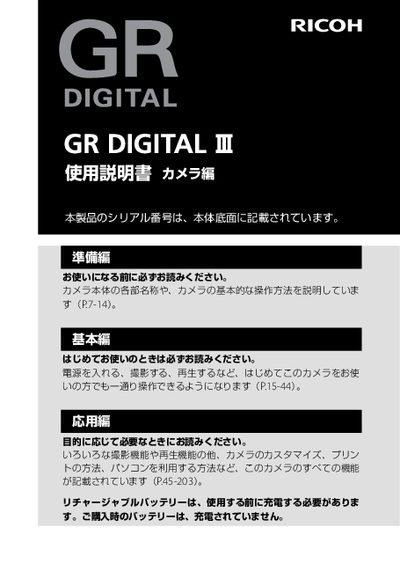
This manual covers everything you need to know to start using the Ricoh GR DIGITAL III camera, from preparing the device and charging the rechargeable battery to basic shooting functions such as power on/off, setting the date and time, and capturing photos. It also explains how to use the various shooting modes, adjust exposure, white balance, and other image settings.
Advanced sections describe how to record video, use the built‑in flash, connect the camera to a computer via USB, and print images directly. The guide includes troubleshooting tips, safety notices, and information on warranty and service contacts for Ricoh. This manual is written in Japanese.
| Battery type | Rechargeable battery |
|---|---|
| Serial number location | Printed on the bottom of the camera body |
The rechargeable battery must be charged before first use; the battery shipped with the camera is not pre‑charged.
The serial number is printed on the bottom of the camera body.
Thread the strap’s end through the strap attachment point on the camera and secure it.