
This document is an operating manual for a certain brand and model. It introduces the function and usage of the product, including safety precautions before use, troubleshooting, adding paper, toner and staples, and clearing jams.
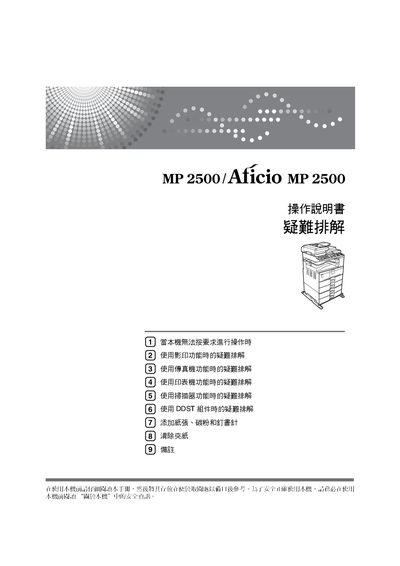
This manual introduces the Ricoh MP2500 multifunction device, covering safety precautions, proper handling, and preparation steps before operation. It advises reading the safety information and ensuring the power connection (110 V / 60 Hz, ≥12.3 A) before use.
The guide details the operation of copy, print, and scan functions, provides general settings, network configuration, and extensive troubleshooting for common issues such as paper jams, printing errors, and scanner problems. It also includes sections on security settings and handling consumables like paper, toner, and staples. This manual is written in Japanese.
| Model | MP2500 |
|---|---|
| Power Supply | 110V 60Hz 12.3A or higher |
Users must carefully read the safety information in the manual before operating the machine.
The device requires a power source of 110 V, 60 Hz, and at least 12.3 A.
The manual includes a troubleshooting section that addresses printing error reports.
The guide provides instructions for adding paper, toner, and staples.