
User manual for the Canon EOS C300 Mark II digital cinema camera covering setup, operation, and maintenance.
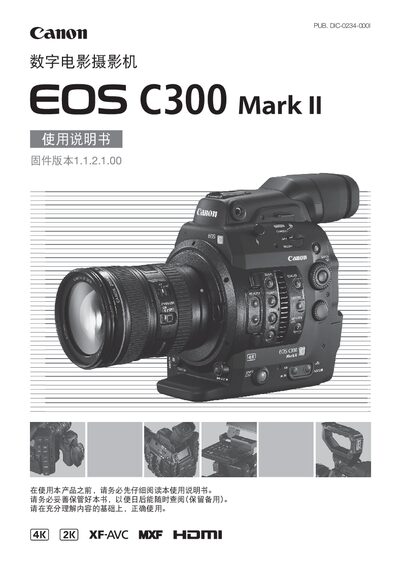
This manual provides detailed instructions for the Canon EOS C300 Mark II digital cinema camera, including safety warnings, power setup, battery handling, and accessory installation. It explains the camera's modular components such as the monitor, hand grips, and optional accessories.
The guide covers recording workflows, video configuration, focus control, external connections, and post‑recording functions like playback, metadata, and remote operation. Technical specifications, troubleshooting tips, and a comprehensive index are also included. This manual is written in Chinese.
| Maximum video resolution | 4096×2160 |
|---|---|
| Maximum video bitrate | 410 Mbps |
| Supported storage media | CFast 2.0 (dual slots) and SD/SDHC/SDXC |
Use the supplied AC adapter (100‑240 V) or the approved battery, and avoid exposing the adapter or battery to moisture or direct sunlight.
Video settings are adjusted in the menu under the Video Configuration section, which lets you select system frequency, frame rate, resolution, and bitrate.
Connect the monitor to the MON. SDI port or the HDMI OUT port on the camera.