
This is a manual for the A5511T phone, which introduces the use of the phone's call, character input, phone book, mail, camera, EZweb, EZ Navi Walk, EZ TV, and smart mode functions.
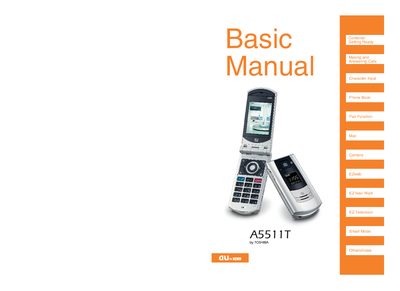
The au A5511T Basic Manual provides essential instructions for using the A5511T cellphone. It covers fundamental operations such as making and answering calls, character input, and managing the phone book, as well as safety guidelines and cell phone etiquette.
The document details specific device features including EZ Television for watching and recording programs, EZweb for information access, and the Disaster Bulletin Board Service for registering safety information during large-scale disasters.
When the standby screen is displayed, hold down side key 2 for at least one second.
It allows users to register and refer to safety information through EZweb when a big scale disaster occurs.