
This document is about the user manual for Toshiba barcode printer B-SX6T series. The document includes information about safety overview and preventive measures.
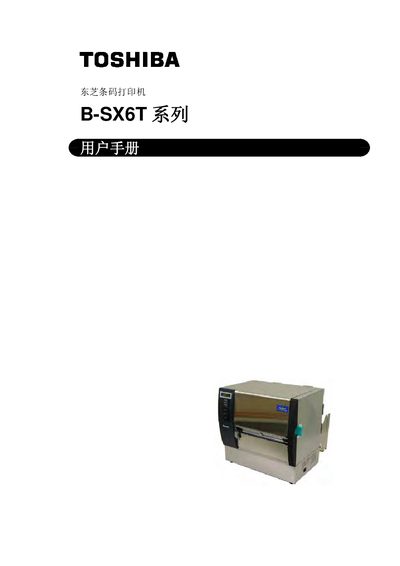
This manual provides complete guidance for the Toshiba B‑SX6T series barcode printer, including safety warnings, unpacking, hardware overview, and required accessories. It explains how to install the printer, connect power and communication cables, load media and ribbons, and configure network and serial settings.
The document also details routine maintenance, cleaning procedures, error messages, and troubleshooting steps, plus full technical specifications such as print resolution, speed, supported interfaces, and consumable information. Appendices contain LED indicators, interface pinouts, sample prints, and a glossary of terms. This manual is written in Chinese.
| Print resolution | 12点/mm (305 dpi) |
|---|---|
| Print speed (3 in/s) | 76.2 mm/s (3 in/s) |
| Print speed (4 in/s) | 101.6 mm/s (4 in/s) |
| Print speed (8 in/s) | 203.2 mm/s (8 in/s) |
| Dimensions (W × H × D) | 417 mm × 282 mm × 395 mm (16.4 in × 11.1 in × 15.6 in) |
Press the PAUSE key until the <2>PARAMETER SET screen appears, then use the FEED or RESTART keys to select the desired character code and confirm with PAUSE.