
The user manual of Toshiba barcode printer B-SX600 series introduces the safety overview and preventive measures of the product.
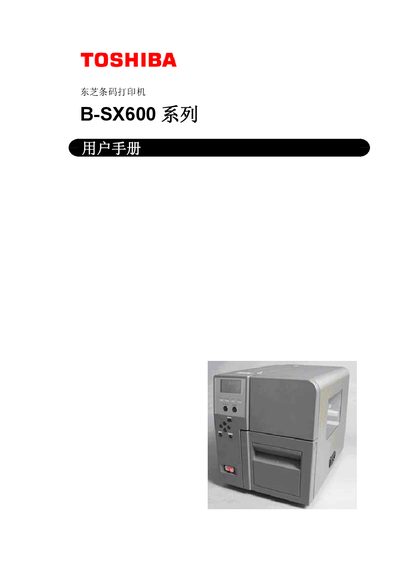
This manual provides a complete guide to the Toshiba B‑SX600 series barcode printer, including safety warnings, component descriptions, and installation steps for both USB and LAN models. It explains how to connect the printer to a PC, load media and ribbon, and use the operation panel.
Additional sections cover routine maintenance, cleaning procedures, troubleshooting common issues such as paper jams, and detailed technical specifications for the printer’s performance, power requirements, and environmental limits. This manual is written in Chinese.
| Resolution (dot density) | 600 dpi (23.6 dots/mm) |
|---|---|
| Print speed | up to 150 mm/s |
| Maximum print width | 104 mm |
| Maximum print length | 1,000 mm |
| Supported media width | 15 – 120 mm |
| Input voltage | AC 100 V – 240 V |
| Operating temperature range | 5 – 40 °C |
Refer to the “Print Media Jam” sections (10.1 and 10.2) for step‑by‑step clearing procedures.
Toshiba recommends contacting an authorized service agent for internal cleaning at least once a year.