
This document is the user guide for the machine, which introduces the overview, usage, functions, as well as installation, configuration, and maintenance of the machine.
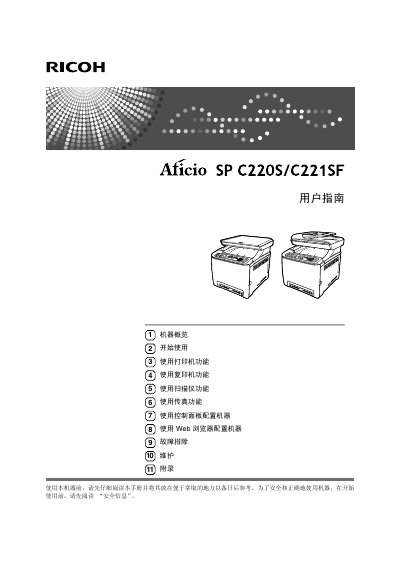
This manual provides step‑by‑step instructions for setting up the Ricoh Aficio SP C220S/C221SF, including hardware installation, network configuration, and initial calibration. It covers all core functions such as printing, copying, scanning, and faxing, with detailed procedures for each mode.
Additional sections describe troubleshooting common issues, routine maintenance, consumable replacement, and specifications of the device. The guide also includes a web‑based configuration interface and safety information for safe operation. This manual is written in Chinese.
| 预热时间 | 少于 51 秒 |
|---|---|
| 电源规格 | 120 V, 50/60 Hz, 11 A (full equipment) |
| 纸张输出容量 | 150 张 (标准 80 g/m²) |
| 最大纸张尺寸(打印) | 标准法律用纸 (8½" × 14") |
| 支持纸张尺寸 | A4、B5 JIS、A5、A6、标准法律用纸、美国信纸等 |
Connect a USB cable from the printer’s USB port to the computer’s USB port.
Open the toner compartment and replace the used toner cartridge with a new one.
Use the control panel’s status screen or the web‑browser interface to view machine status and error messages.