
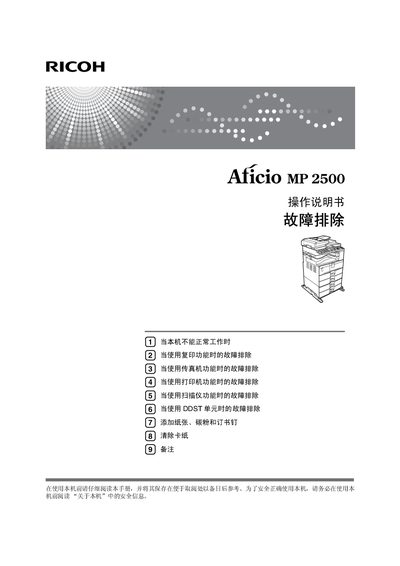
Ricoh Aficio MP 2500 Operating Manual


Ricoh Aficio MP 2500 Operating Manual - cover page
Brand
Ricoh
Category
Printer
Document type
User Manual
Language
Chinese
Pages
116
File format
PDF
File size
3.2 MB
Published
22 September, 2011
Updated
29 September, 2023
MD5 checksum
877332AAFAAC618EE114B6F001DD9E66

About this manual

This manual explains how to install, configure, and use the Ricoh Aficio MP 2500 multifunction device. It covers safety information, power connection, component names, and basic operation steps for copying, printing, scanning, and faxing.

Additional sections describe network configuration, DDST unit usage, how to add paper, toner and staples, clear paper jams, and perform routine maintenance. Detailed troubleshooting guides help resolve common errors for each function. This manual is written in Chinese.

What's inside

  • Safety Information
  • General Setup Guide
  • Copy Function Troubleshooting
  • Fax Function Troubleshooting
  • Printer Function Troubleshooting
  • Scanner Function Troubleshooting
  • DDST Unit Troubleshooting
  • Adding Paper and Toner
  • Clearing Paper Jams
  • Network Guide

Specifications

Input Voltage220-240V, 50/60Hz, 7A or above

Frequently asked questions

What power supply does the Aficio MP 2500 require?

The device requires an input voltage of 220‑240 V, 50/60 Hz, with a current rating of 7 A or higher.

Download PDF (3.2 MB)

More Ricoh Manuals


View all Ricoh manuals →