
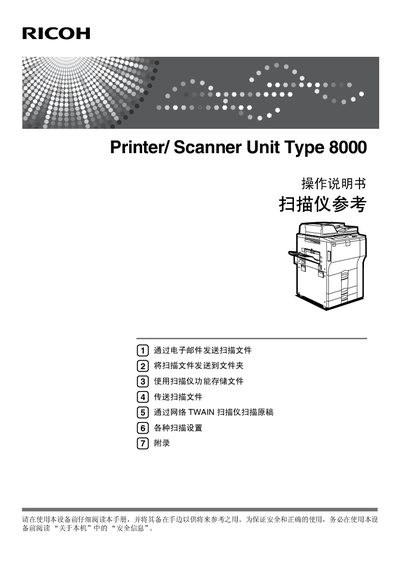
This manual explains how to operate the Ricoh Printer/Scanner Unit Type 8000, covering basic functions such as scanning documents, sending scans via email, saving scans to network folders, and using the network TWAIN scanner. It also includes safety information, setup procedures, and troubleshooting tips.
The guide is organized into sections on reading the manual, scanner functions, email transmission, folder storage, network TWAIN scanning, and detailed scanning settings, helping users quickly find the information they need. This manual is written in Chinese.
Use the "Send scanned file via email" function described in the manual.
Select the "Scan to folder" option and follow the setup steps.
Use the "Store file using scanner function" feature to save scans locally.
Install the TWAIN driver from the supplied CD and use the network TWAIN scanning option.