
This manual contains detailed instructions and precautions for operating and using this machine. Read this manual carefully before using this machine for your safety and benefit. Keep this manual handy for quick reference.
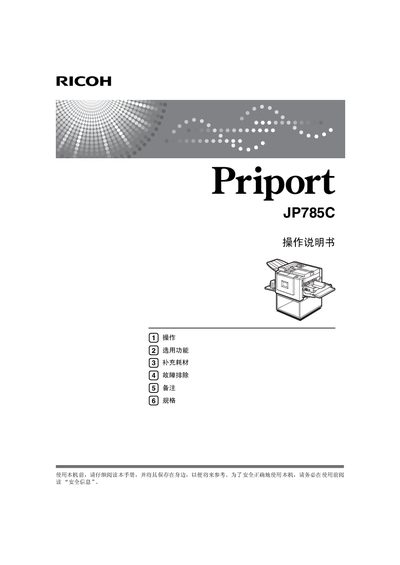
This manual covers safety information, power requirements, and proper handling of the Ricoh JP785C Priport printer. It includes warnings, IEC‑60417 symbols for the main power switch, and guidance on using genuine Ricoh consumables.
The guide explains how to install the printer, load paper, select print options, adjust image position, and perform routine maintenance. Troubleshooting tips for paper jams, multi‑page printing stops, and print quality issues are also provided. This manual is written in Chinese.
| Input voltage | 220‑240 V, 50/60 Hz |
|---|---|
| Maximum current | 1.3 A or above |
Connect the printer to a 220‑240 V, 50/60 Hz power source.
According to IEC 60417, the main power switch is indicated by the symbol “|”.
Refer to the troubleshooting section, which describes how to stop the machine safely during multi‑page jobs.