
This document is an operating manual that provides detailed instructions and precautions for the device. The content includes troubleshooting, adding paper, clearing paper jams, and other operational procedures. Users are reminded to read the safety information in the 'About This Machine' section before using the device. Based on the content, the device is likely a copier/file server/printer/scanner.
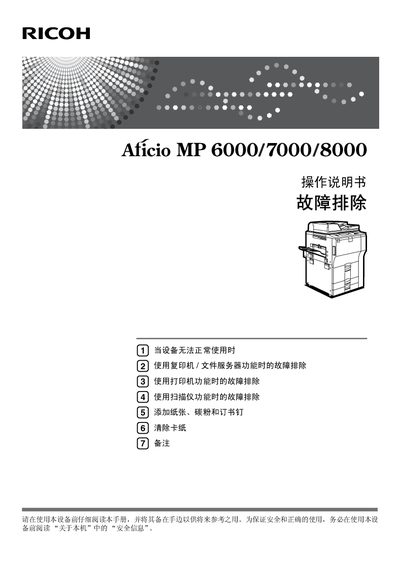
This manual covers the complete operation of the Ricoh MP 6000/7000/8000 multifunction printer, including setup, copying, printing, scanning, and network configuration. It also contains safety references, administrator settings, and supplemental information for PostScript 3 and UNIX environments.
Detailed sections guide users through adding paper, toner, and staples, clearing paper jams, performing routine maintenance, and troubleshooting common issues such as poor copy quality, connection problems, and scanner errors. This manual is written in Chinese.
| Power supply | 220‑240 V, 50/60 Hz, 10 A or above |
|---|
Read the manual carefully and review the safety information in the “About this machine” section before operating the device.
Refer to the “Clearing Paper Jams” section, which provides step‑by‑step instructions for locating and removing jammed paper.
Adobe Acrobat Reader (or Adobe Reader) must be installed to view the PDF version of the manual.
The device requires a power source of 220‑240 V, 50/60 Hz, with a current rating of 10 A or higher.