
This manual is the user manual for LC-32GA3H,LC-37GA3H LCD color television. It mainly introduces the installation, basic connection, watching TV, basic tuning settings, using external devices, speaker settings and other contents.
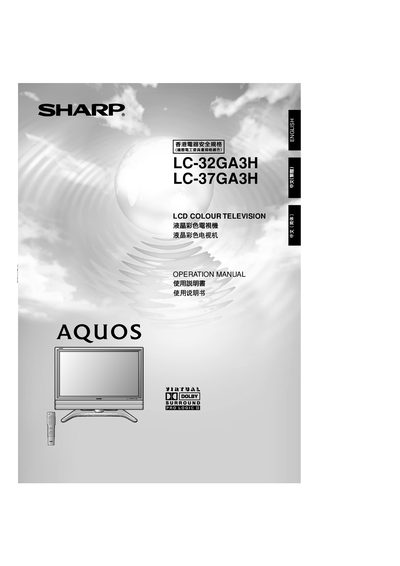
This manual covers safety precautions, unpacking, and preparation steps for the Sharp LC‑32GA3H and LC‑37GA3H LCD colour televisions. It explains how to install the battery in the remote, connect the antenna, power cord, and external devices, and how to mount the set on a wall or stand.
Detailed operating instructions are provided for power on/off, channel selection, colour and audio settings, child‑lock configuration, and factory reset procedures. The appendix lists troubleshooting tips, RS‑232C port specifications, and optional accessories.
| Screen size | 32" (LC‑32GA3H) / 37" (LC‑37GA3H) |
|---|---|
| Pixel count | 3,147,264 pixels |
| Brightness | 450 cd/m² |
| Viewing angle | Horizontal 170°, Vertical 170° |
| Audio amplifier power | 10 W |
| Power requirement | AC 110‑240 V, 50 Hz |
| Power consumption (32") | 143 W |
Turn the TV off, wait about one minute, then press and hold the RESET button while turning the power back on. All settings (except channels) return to the factory defaults.
Open the battery cover, insert two AAA batteries with the correct polarity, and close the cover.
The TV uses a standard 75 Ω DIN‑type coaxial connector (DIN45325) for the antenna.