
LC-26GA5H Liquid Crystal Colour Television Operation Manual, introduces the basic connections, installation, power on/off, channel setting, volume setting, image setting, external device connection and other functions of the television.
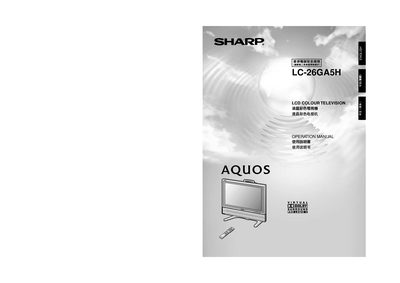
This manual begins with important safety information, including proper cleaning, power‑line handling, and warnings about liquid exposure and electrical hazards. It also lists the accessories supplied with the TV and explains how to install the unit, connect the antenna, power cord, and optional wall‑mount kit.
Subsequent sections cover remote‑control usage, channel tuning (automatic and manual), picture and sound adjustment settings, and detailed technical specifications such as screen size, pixel count, brightness, and audio output. A troubleshooting appendix and RS‑232C port details are also provided.
| Screen size | 26 inches (65 cm) |
|---|---|
| Pixel count | 3,147,264 pixels |
| Brightness | 450 cd/m² |
| Backlight lifetime | 60,000 hours |
| Viewing angle | 170° horizontal / 170° vertical |
| Audio amplifier power | 10 W |
| Speakers | 2 × 8 cm |
| Power requirement | 110‑240 V, 50 Hz |
Unplug the power cord, then wipe the screen with a dry cloth; do not use liquid cleaners or spray cleaners.
Turn the TV off, wait about one minute, then hold the RESET button while turning the power back on; all settings except channel presets will be restored.
It supports PAL, SECAM, and NTSC video standards with the listed channel frequencies.