
This document is an operation manual for an LCD color television, providing instructions and precautions for using the LC-26GA3H model.
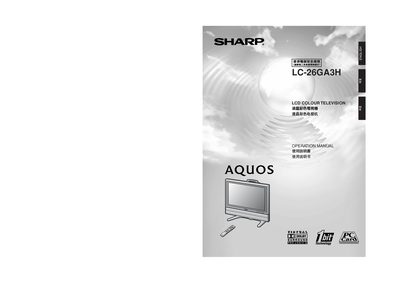
This manual guides owners of the Sharp LC-26GA3H 26‑inch LCD color television through safe handling, installation, and everyday operation. It includes detailed safety notices, a list of supplied accessories, and step‑by‑step instructions for mounting the TV on a wall or a stand.
The guide also covers remote‑control functions, basic and advanced audio/video settings, channel setup, and troubleshooting. A full specifications table at the end lists screen size, resolution, power consumption, and other key parameters.
| Screen size | 26 inches |
|---|---|
| Resolution (pixel count) | 3,147,264 pixels (1366 × 768) |
| Brightness | 450 cd/m² |
| Viewing angle | 170° horizontal / 170° vertical |
| Power consumption | 118 W (2 W standby) |
| Power supply | AC 220 V, 50 Hz |
| Audio amplifier | 10 W |
Turn the TV off, wait about one minute, then hold the RESET button while pressing POWER to turn the TV back on; all settings (except channels) will be restored to the factory defaults.
Press the channel‑change buttons on the remote; the manual lists the simple button operations for changing channels.