
LC-32BX5H LC-37BX5H LC-32BX6H LC-37BX6H LCD colour television operation manual, introduces the features and characteristics of the product, usage methods and other information.
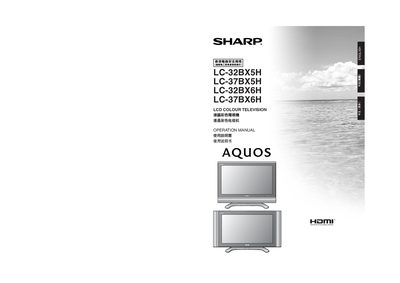
This manual provides essential safety information and preparation steps for installing and using Sharp LCD colour televisions. It covers precautions such as unplugging the power cord before cleaning, using the supplied accessories, and proper wall‑mount installation.
The guide details basic connections, remote‑control operation, picture and sound settings, and technical specifications such as screen resolution, brightness, audio output, and power requirements for the four model variants.
| Pixel count | 3,147,264 pixels |
|---|---|
| Brightness | 450 cd/m² |
| Backlight lifetime | 60,000 hours |
| Viewing angle | 176° horizontal, 176° vertical |
| Audio amplifier power | 10 W |
| Power supply | 110‑240 V, 50 Hz |
Unplug the power cord, then wipe the TV with a dry cloth; do not use liquid cleaners or spray cleaners.
The remote uses two AAA batteries, which are supplied with the TV.
Use the supplied screws and brackets, attach the fixing brackets to the TV, then secure the TV to the wall with the brackets, following the instructions in the Wall Mount Installation section.
The screen provides a viewing angle of 176° horizontally and 176° vertically.