
This manual describes the features of the LC-37HV4H LCD colour television in detail.
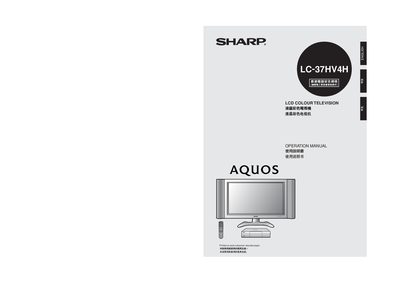
This manual covers safety precautions, required accessories, and step‑by‑step installation for the Sharp LC‑37HV4H LCD color television. It explains how to mount the TV, secure it with brackets or wall‑mount hardware, and connect the supplied speakers and AVC system.
The guide also details remote‑control functions, channel setup (automatic and manual), picture and sound adjustments, external device connections (DVD, game consoles, PC), and troubleshooting tips such as factory reset and fault analysis. This manual is written in Chinese.
Use the supplied mounting brackets, attach the clip screws, and secure the TV with strong rope or wall hooks as described in the safety‑fixed section.
Press the channel‑change buttons on the remote; the manual lists the simple button operations for changing channels.
In standby mode hold the CLEAR button on the AVC system, then press POWER on the TV or remote to restore all settings to the factory defaults.