
This file is about the features and specifications of Sharp FO-10/FO-50/FO-70 fax machines
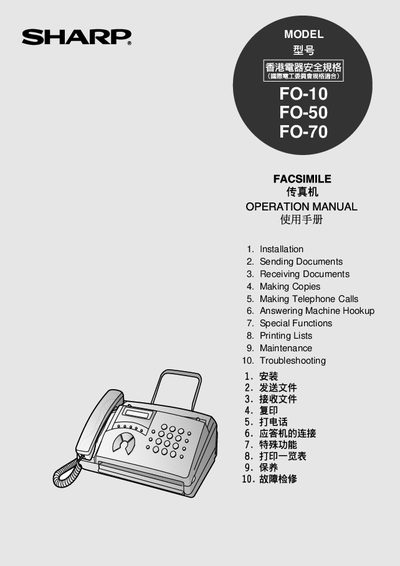
This manual provides step‑by‑step instructions for installing and setting up Sharp FO‑10, FO‑50 and FO‑70 fax machines. It covers everything from unpacking and connecting power and telephone lines to configuring fax numbers, dates, times and reception modes.
The guide also details how to send and receive documents, make copies, place telephone calls, connect an answering machine, use special functions, print lists, perform routine maintenance and resolve common problems.
| Modem speed | 9600 bps (auto fallback) |
|---|---|
| Power requirements | 220‑240 V AC, 50/60 Hz |
| Power consumption (standby) | 2.3 W |
| Dimensions (W × D × H) | 304 mm × 236 mm × 122 mm |
| Weight | ≈ 2.6 kg |
| Horizontal resolution | 8 pels/mm |
| Vertical resolution (standard) | 3.85 lines/mm |
| Automatic document feeder capacity | 5 pages |
| Initial fax paper roll | 10 m (included) |
The modem operates at 9600 bps and will automatically fall back to lower speeds if needed.
The automatic document feeder can hold up to 5 pages of paper.
The machine measures 304 mm × 236 mm × 122 mm and weighs approximately 2.6 kg.