
Instructions for the use of LCD Color TV Wall Mount Bracket AN-65AG2.
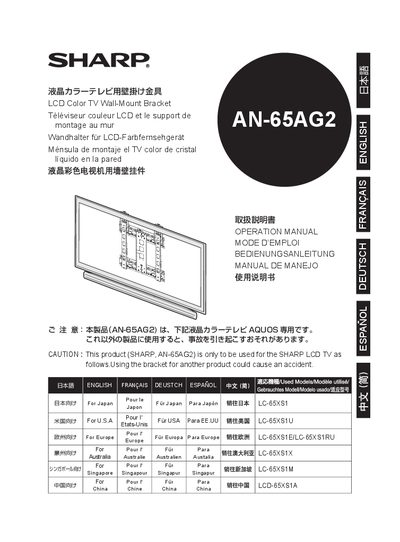
This manual provides safety information and detailed instructions for installing the Sharp AN-65AG2 wall‑mount bracket on compatible Sharp LCD TVs. It emphasizes that installation requires professional expertise and that the user should not attempt the work themselves.
The guide lists the required hardware (brackets, screws, washers), shows the dimensions of the bracket, and explains how to attach the wall‑mount to the wall, connect the bracket to the TV, and secure all fasteners. Contact information for Sharp support and warranty notes are included at the end. This manual is written in Japanese.
| Bracket outer dimensions | 520 mm × 105 mm |
|---|---|
| Bracket thickness (wall side) | 1.8 mm |
| Bracket thickness (TV side) | 1.6 mm |
Use standard M5, M6, and M8 screws of appropriate length (e.g., M5 × 6 mm, M6 × 10 mm, M8 × 14 mm); these are not supplied with the bracket.
The package includes washers for the TV‑side mounting hardware, listed as part of the included parts.
Contact Sharp’s customer service center via the phone numbers listed in the manual (e.g., 043‑331‑1826).