
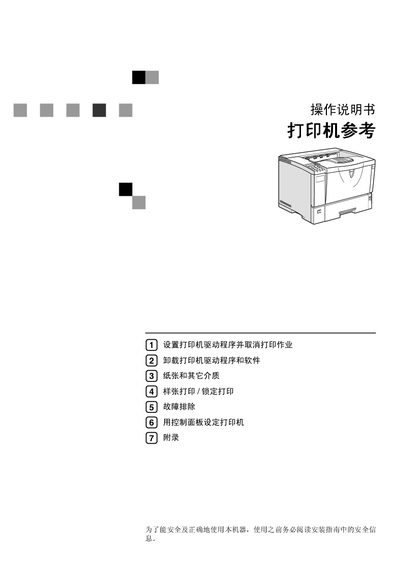
This manual provides step‑by‑step instructions for installing and uninstalling printer drivers for various Windows versions and Macintosh, as well as detailed guidance on using the printer’s control panel, adjusting settings, and performing routine maintenance. Safety warnings and proper handling of consumables are emphasized throughout the document.
Additional sections cover troubleshooting common error messages, replacing parts such as rollers and toner cartridges, and configuring advanced features like PCL, PostScript, and RPCS printing languages. The manual also includes reference tables for driver installation and a list of supported operating systems. This manual is written in Chinese.